-
Plugins
-
Release Notes
Search
Setup
Forms
Using permission options you can restrict the shown forms, or set the default one.
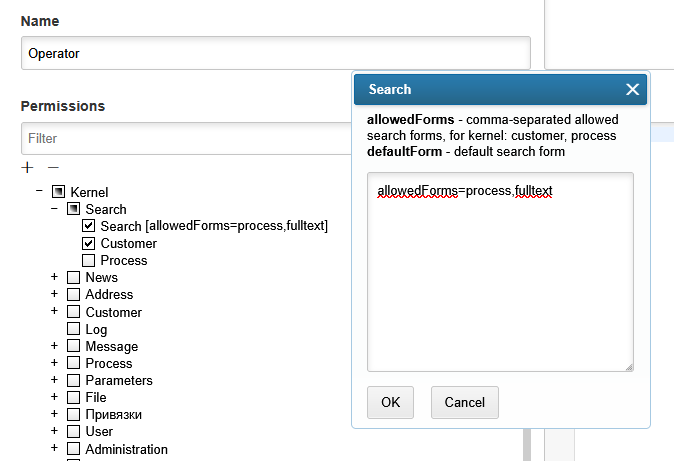
The application kernel provides forms: customer, process. Additional forms are provided by following plugins:
Usage
The tool provides search over system’s entities. A desired entity type, either kernel or plugin provided, has been selected in the top drop-down. For different types there are different filters available. To run search, except dedicated buttons, may be pressed Enter key inside a filter.
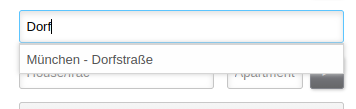
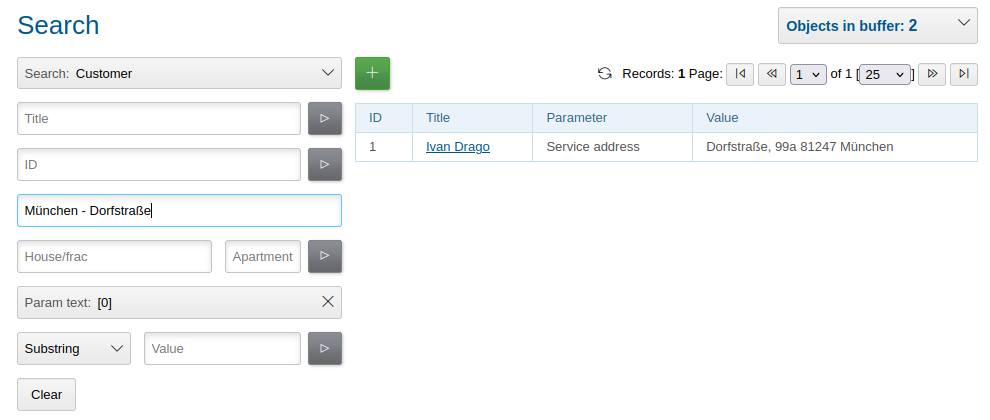
Filter by address parameter has autocompletion for streets and houses.
Customer
Customers can be found by title, ID, address and text parameters.
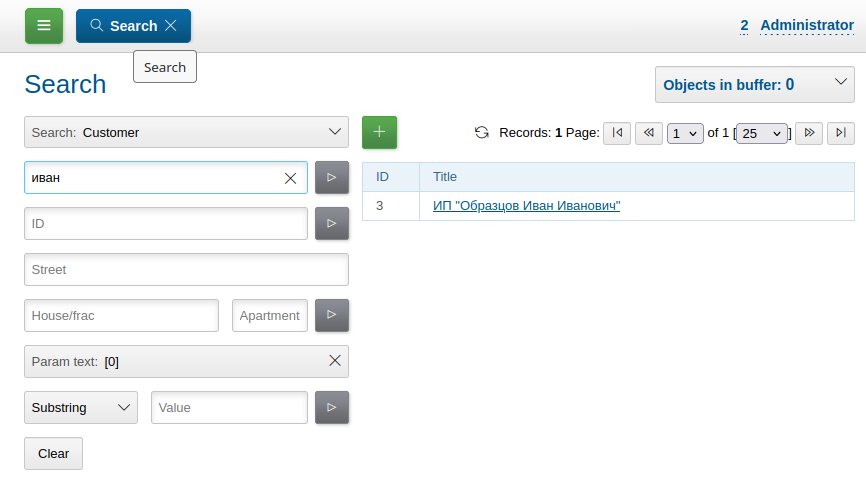
Search by empty title provides all the customers in the database. A new customer can be created with + button above and left of the result table.
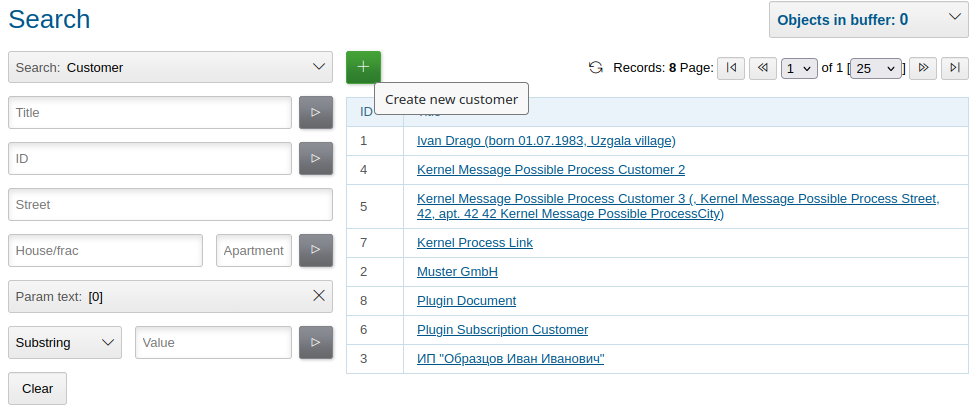
| There are configurable parameters-built strings shown right of some customer’s titles. |
Address search works over all respective parameters, you can search only by street.
Process
The Current User Related
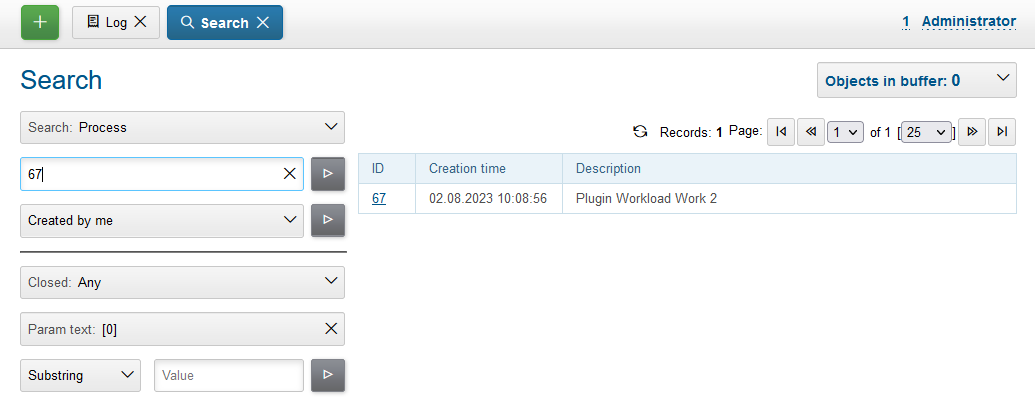
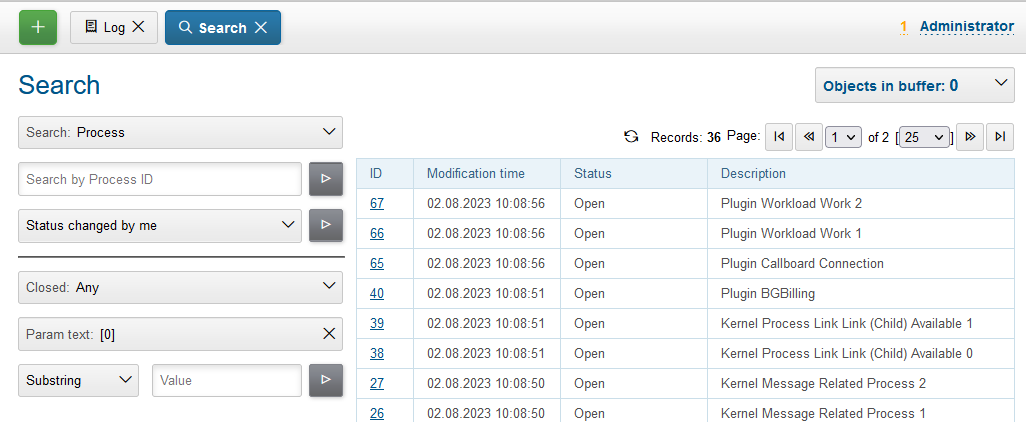
The current user related processes may be listed:
-
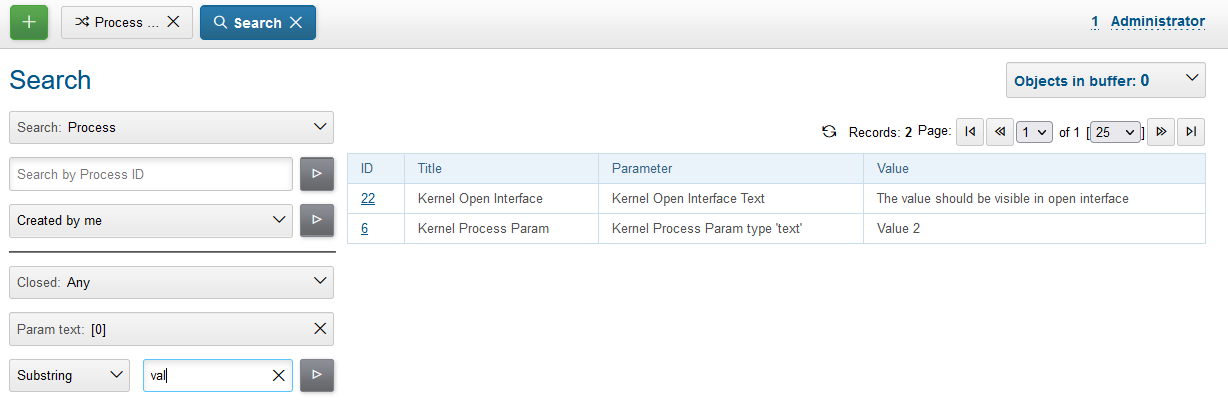
Created by me - created by the current user;
-
Closed by me - closed by the current user;
-
Status changed by me - the last status change is performed by the current user.
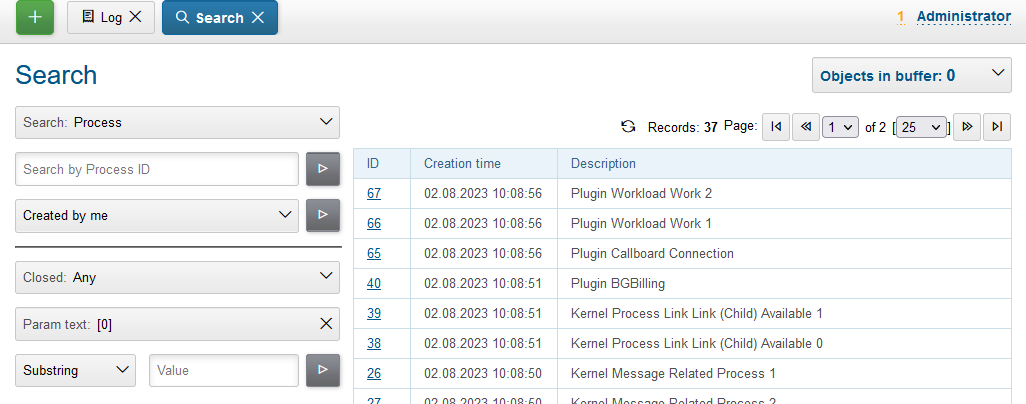
Sorting has been done by ascending of creation, closing or status changing time respectively. Result examples are presented on the screens below.
Session Log
This important tool is available in Log menu and allows collecting session logs, which may be requested by developers.
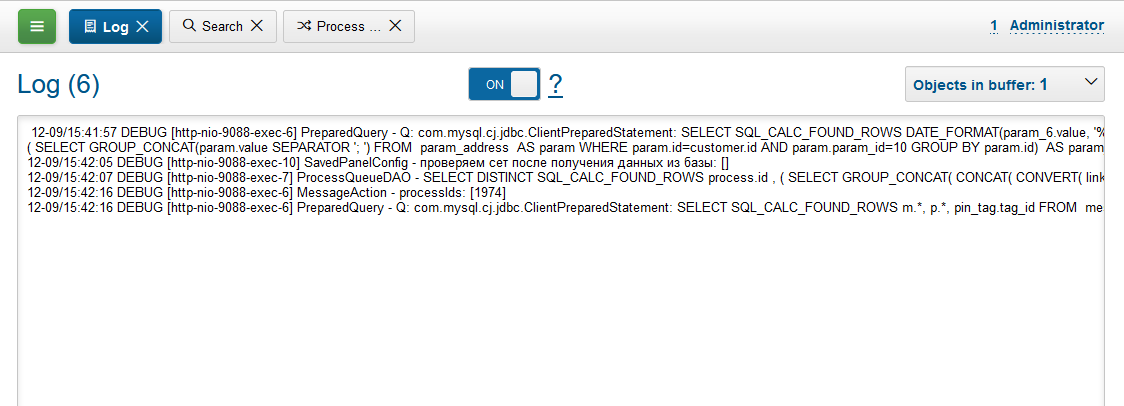
Once enabled the tool is collecting logs starting from DEBUG level for the current user session only, that allows easier observe possible problems.
The log is refreshed any time when it is opened back.
News
The News provide built-in notification system, allowing to send messages over application’s users.
Setup
To mark news read by timeout or delete them, for scheduler have to be configured running class News once a day.
Usage
News may be listed and added via a separated tool. Every news can be read once by every recipient, by default only unread news are shown.
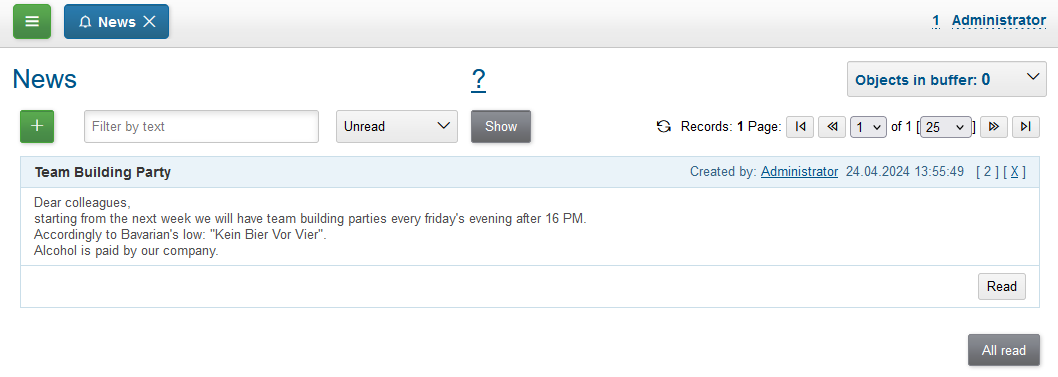
When adding a news, you have to define a title and text, which can contain HTML markup. News recipients can be restricted from all active users to only members of groups, selected in the right area.
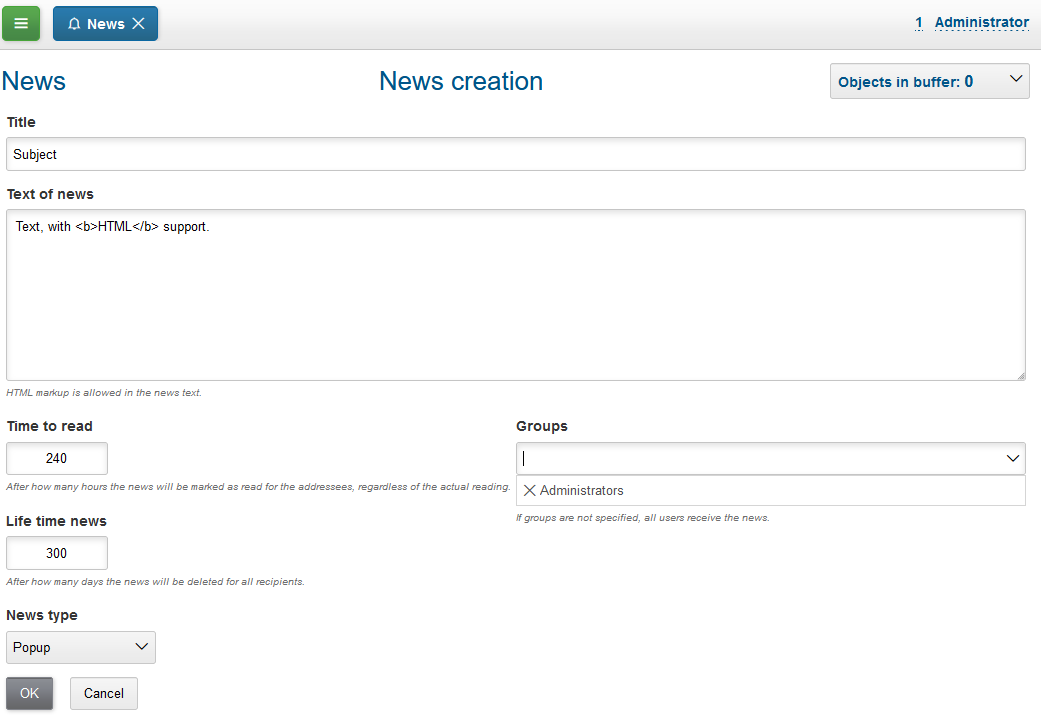
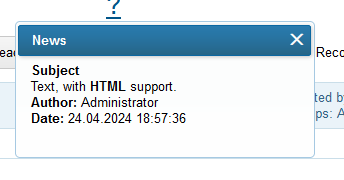
A news can be defined as Popup or Regular. The first type is shown for all targeted recipients in popping up windows, after that is treated as read.
Regular news do not bother users else as with blinking counter of unread messages in the top right corner.
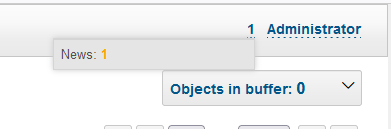
Clicking on that brings the user to the list of unread news.
User Profile
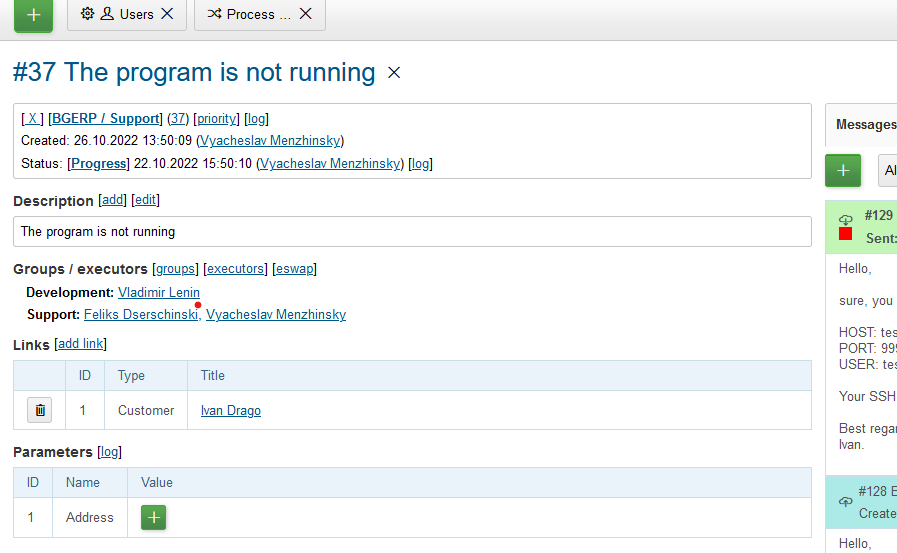
User profile tool for other users may be accesed by UI link: in users table, process card or any other iface place.
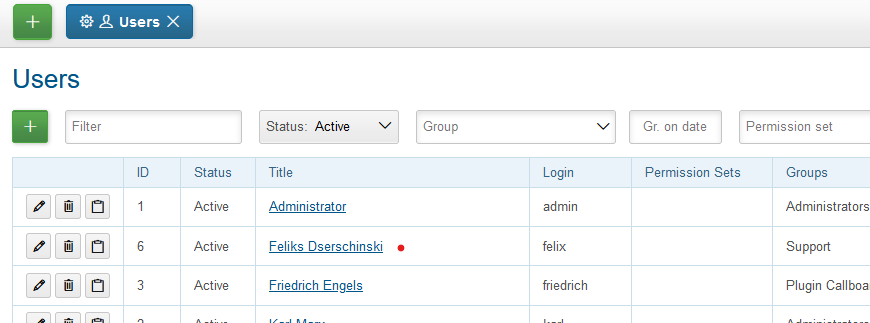
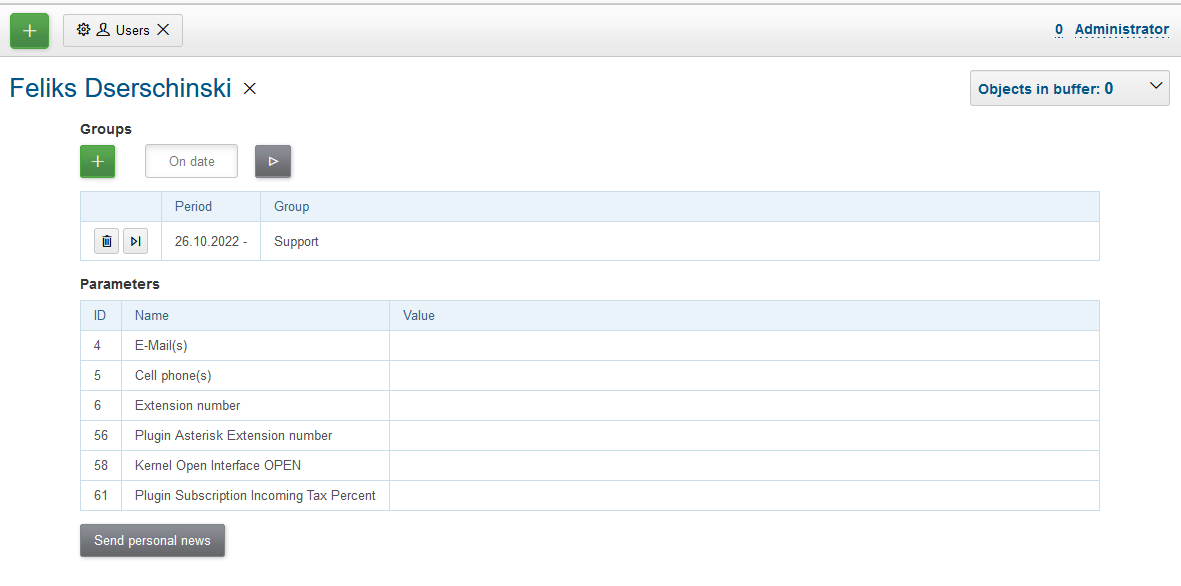
The tool allows depending on your see and update groups, parameters and send personal news.
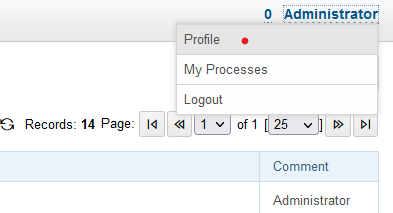
You own profile can be opened by the link in top right menu.
In your own profile you can additionaly change title, login and password.
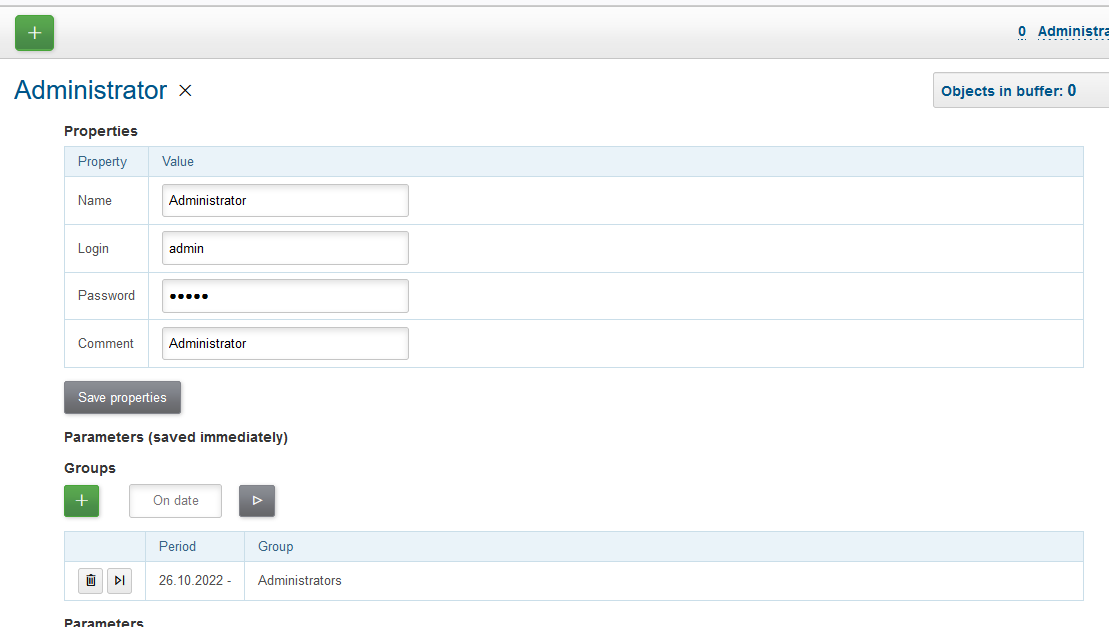
And adjust UI settings.
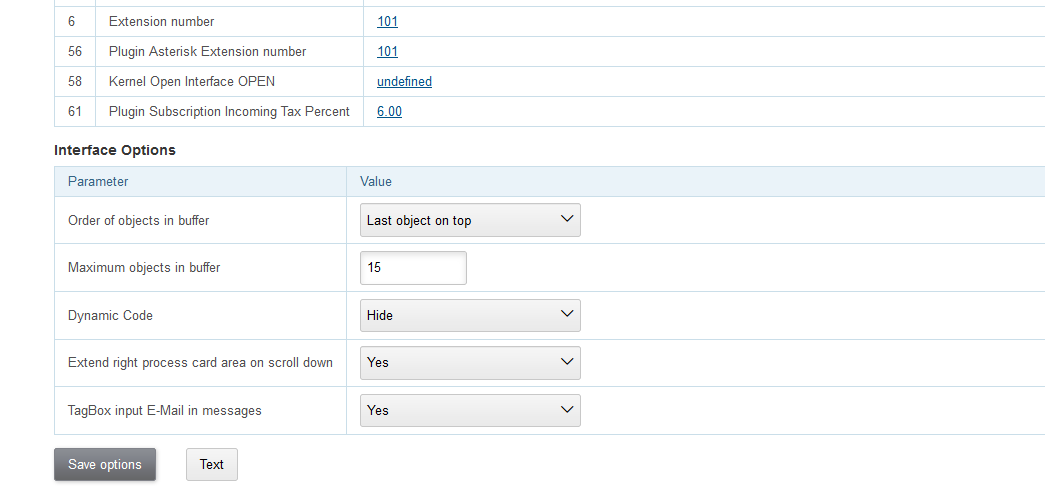
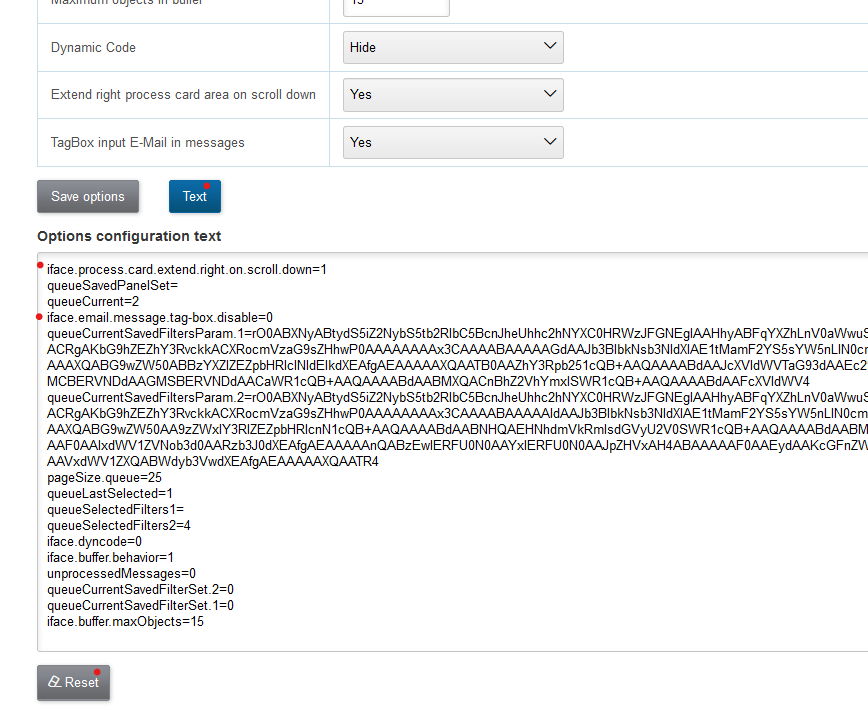
The settings are stored in so named User Personalization configuration, it can be seen by pressing Text button. The drop-down selected options are stored using iface. key prefix. All the configuration might be completely resetted to the default state using Reset button.