About
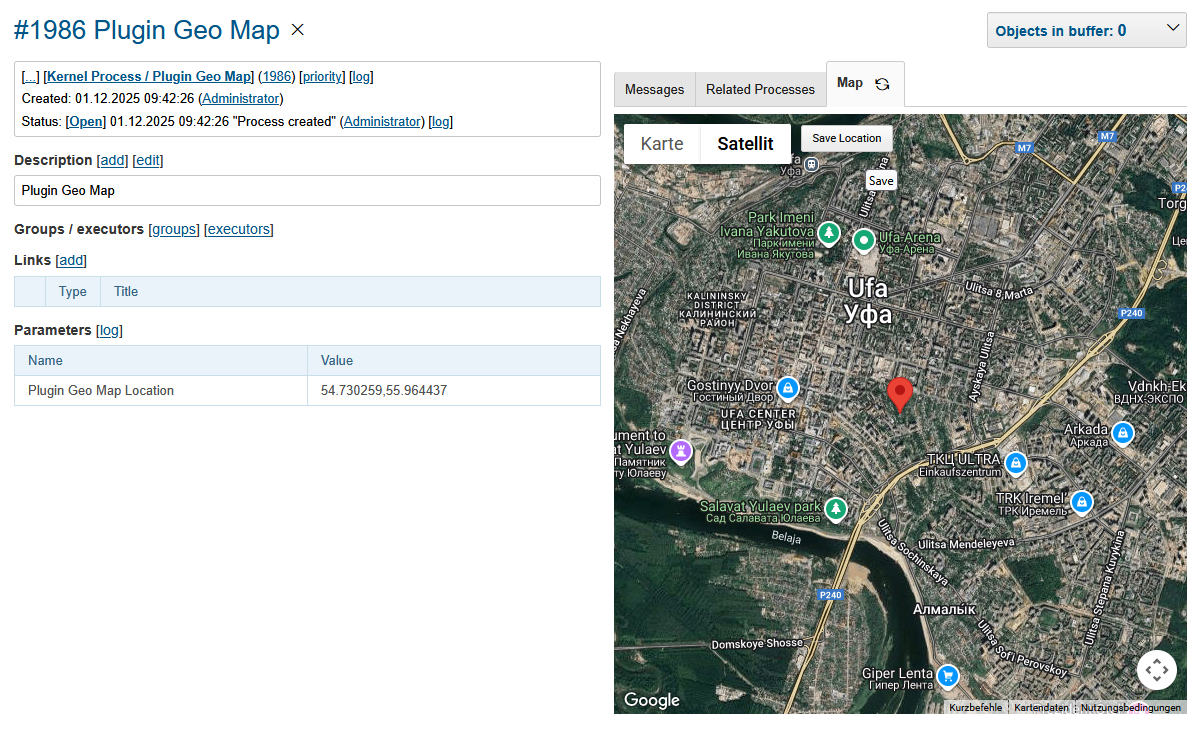
The plugin shows on a process tab geographic map using Google Maps API. A chosen location on the map stored to the process parameter.
Setup
| You can see (process Plugin Geo Map) the plugin operation in Demo System. |
Configuration
Make sure the plugin is enabled in configuration.
Obtain a Google Maps API key by the instruction
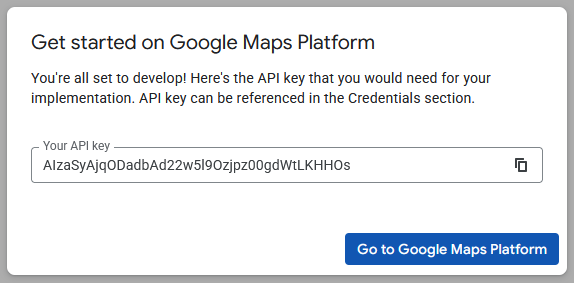
And place it to the configuration, e.g:
// PzdcDoc snippet of: 'Plugin Geo Map config', lines: 1 - 1

gmap:api.key=AIzaSyAjqODadbAd22w5l9Ozjpz00gdWtLKHHOs
Process Type
For every process type, where you need map be shown, add the following block in properties configuration.
gmap:location.param=<PARAM_LOCATION_ID>
gmap:location.default=<LAT_LNG>
Where:
-
<PARAM_LOCATION_ID> - ID for the process type text parameter for storing coordinates;
-
<LAT_LNG> - comma-separated latitude and longitude of the default coordinates.
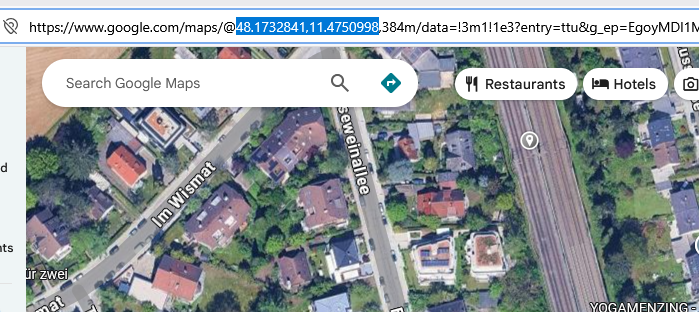
They can be selected in Google Maps, like on the screen below.