
The highest level
of process organization
The highest level of process organization
of process organization
Gone are the days when Linux was an obscure exotic. The operating system first conquered the server market, displacing both traditional Unix systems and Windows. Next came the emerging mobile device market, where Android—built upon Torvalds’s work—became the only real rival to the iPhone. Yet personal computers, and laptops in particular, long remained an impregnable stronghold for proprietary products. Blurry fonts, mediocre web browsers and office suites, and a lack of specialized software or hardware support— any one of these issues could deter people looking for a reliable tool for their daily tasks. The resource challenges faced by open-source projects stem from the fact that the noble act of releasing source code to the public created the possibility of using others' labor for free, while simultaneously complicating efforts to support the developers themselves.
Thus, any successful open-source project represents not only a victory for its creators but also a revolutionary breakthrough, demonstrating the viability of a fundamentally different model of interaction between consumers and producers. It serves as proof that honesty with the user is a successful long-term strategy. The InfinityBook S17 laptop from the German company TUXEDO fully deserves to be recognized as such a historic milestone. I stumbled upon the device in an online review, only to discover that the manufacturer was based in a neighboring city. It features a solid aluminum chassis, a clean black finish free of unsightly stickers, and a massive touchpad— quality of this caliber was once found only in MacBooks. It is evident that the creator drew inspiration from Apple hardware. However, the engineers from Augsburg surpassed their counterparts in Cupertino, making the device unequivocally better.
It features a full-sized keyboard with a numeric keypad that easily accommodates two large male hands. The keys have long travel and excellent actuation feedback—crucial when typing large amounts of text. The keys have transparent edges that create an ambient glow; I haven't seen a design like this anywhere else. Another plus is the 17.3-inch display; Apple laptops top out at 16.2 inches, and the difference is clearly visible to the eye. The internal cooling system is smartly designed: when the screen is open, it acts as a stand that lifts one side of the base, allowing for excellent airflow from below. And, of course, there are just two Control keys, without that ridiculous pair of Command keys found on its cousins. Plus, there is the luxury of connecting HDMI, Ethernet, and SD cards without turning the laptop into a porcupine bristling with adapters.
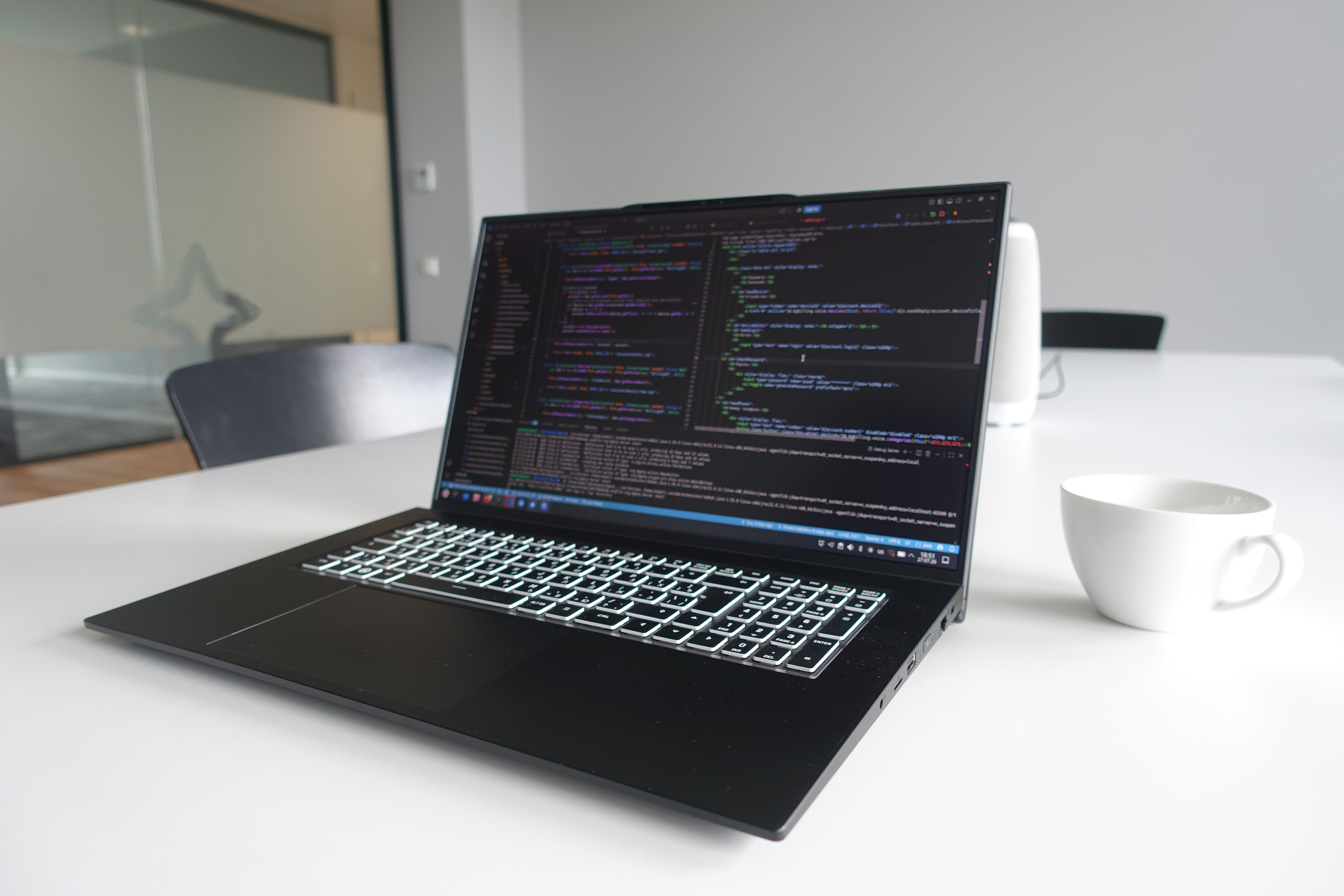
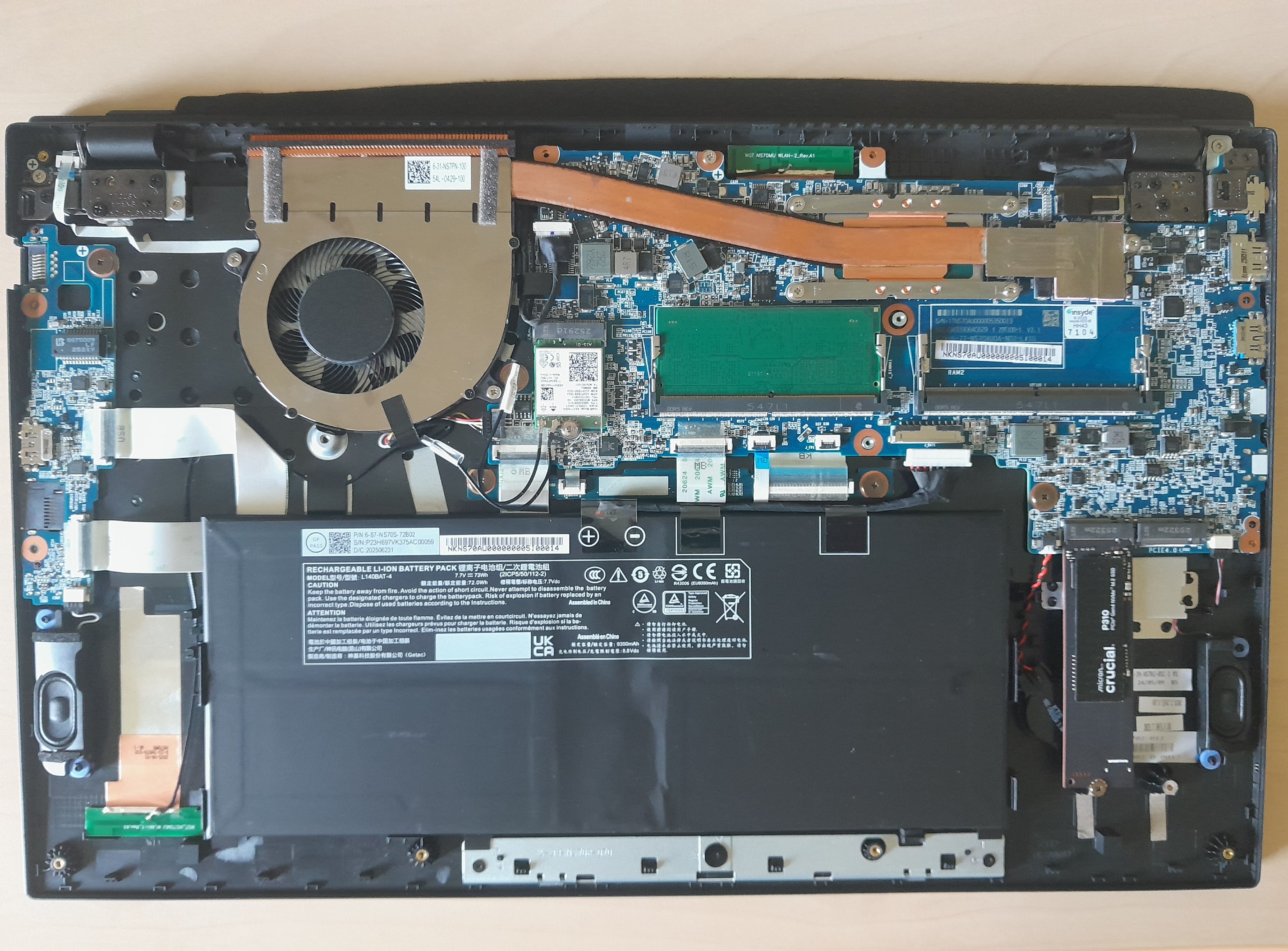
A final advantage is the reasonable price for a machine with these specifications. It offers a great option to forgo the discrete graphics card if you don't need it, while keeping a modern 12-core Intel processor and two DDR5 RAM slots supporting up to 64 GB in total. A pleasant surprise was the significantly lower RAM consumption compared to using WSL Docker on Windows. Initially, I did my programming on 8 GB of RAM, having switched from a machine with 32 GB. Aside from today's resource-hungry browsers, all other software ran without a hitch. Upgrading the computer's memory is easy to do following the manufacturer's instructions; you only need a Phillips screwdriver to remove the bottom panel. The internal components are laid out with plenty of space; the battery is easily disconnected and can be replaced later.
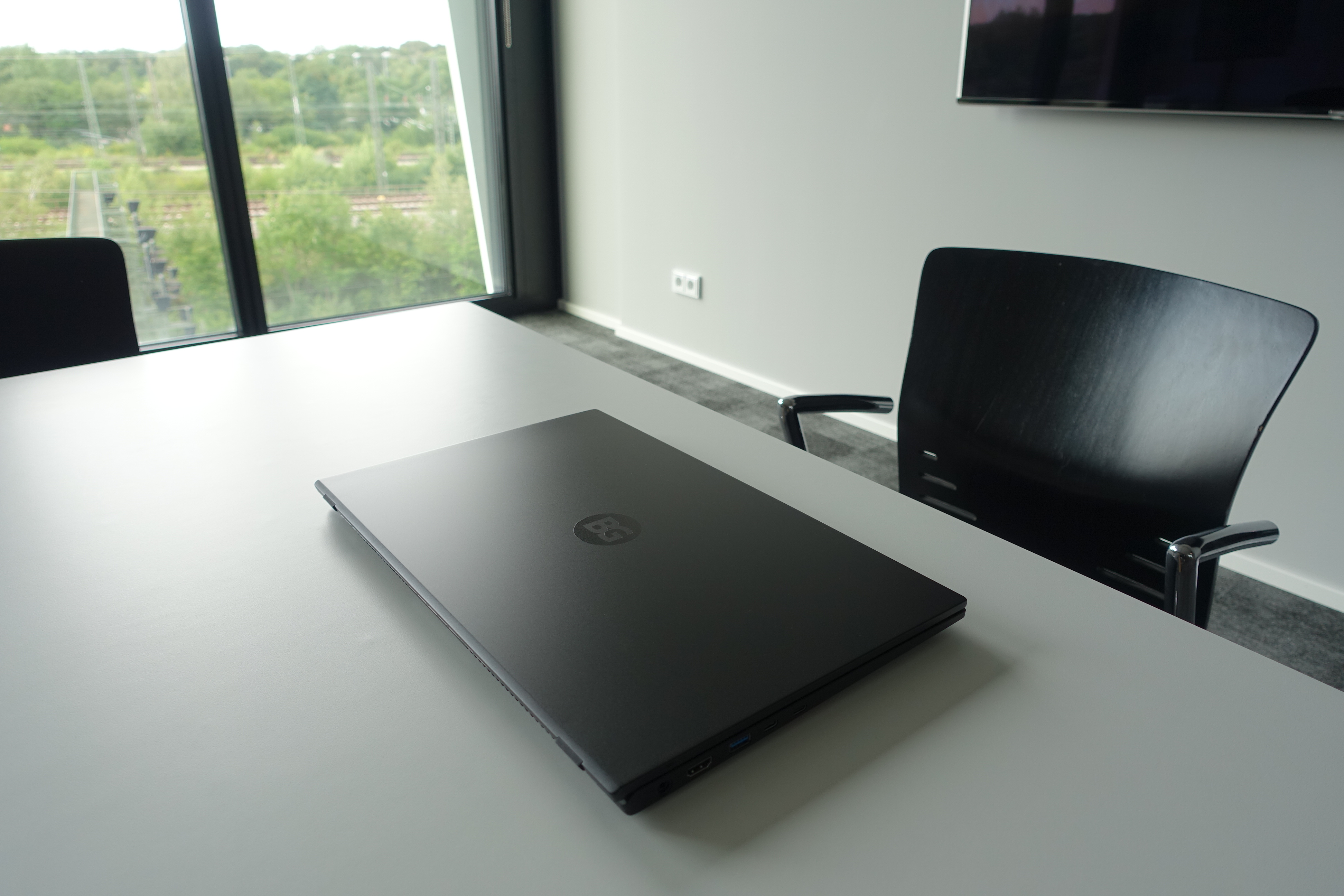
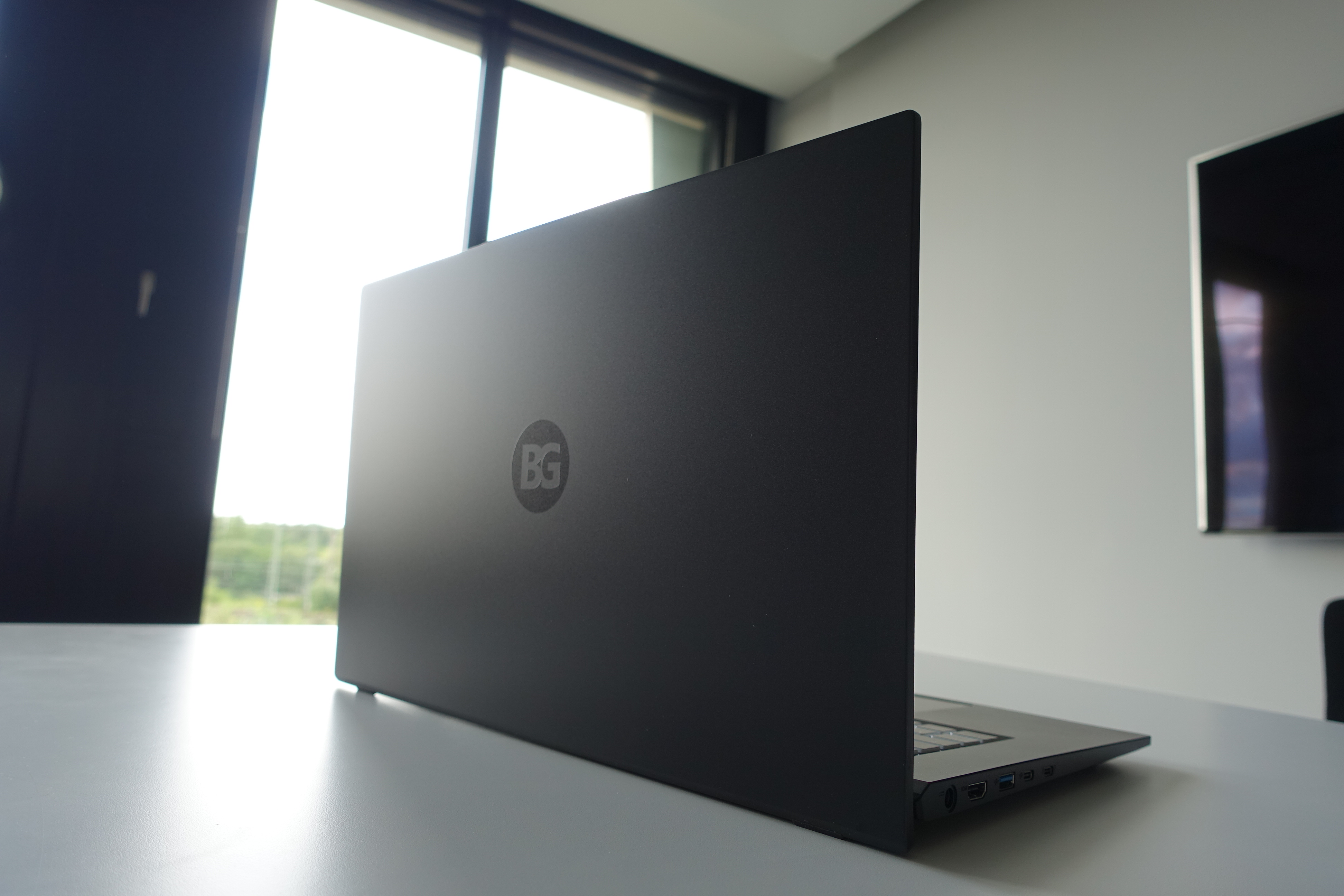
You order the device via an online configurator where you can specify details such as RAM capacity, processor choice, SSD storage, keyboard layout, operating system (including the popular one from Redmond as a primary or secondary OS), a warranty ranging from 2 to 5 years, the power adapter, and a killer feature: a custom logo on the lid. The idea of getting a personalized, branded device for an extra cost of less than 100 euros— money saved by swapping the i7 processor for an i5—seemed very appealing. Ultimately, instead of the barely perceptible performance boost of the higher-end chip, I get a real thrill and a boost of enthusiasm every time I look at the BG logo on my work machine. Coordinating the image details via email was a bit of a hassle, but the quality of the application is outstanding. It’s a slight shame I was limited to just two letters.
The software setup features optimal default settings that require no adjustment; everything simply works the way it should. The desktop layout is classic and free of design gimmicks, with all elements presented in a unified style. Even the taskbar, when using the dark theme, appears as a seamless extension of the screen's black bottom bezel. Keyboard keys—including special ones— perform exactly the functions indicated on them. Almost all essential basic applications come pre-installed: a web browser, email client, office suite, text editor, tools for screenshots and screen recording, and remote access software. Developer tools can be added in just ten minutes. A network printer/scanner, Bluetooth mouse, and headset connected without any hassle—no need to install extra packages or drivers. A centralized update system keeps all software up to date, eliminating the need to click through numerous buttons as is often required with Microsoft products.


